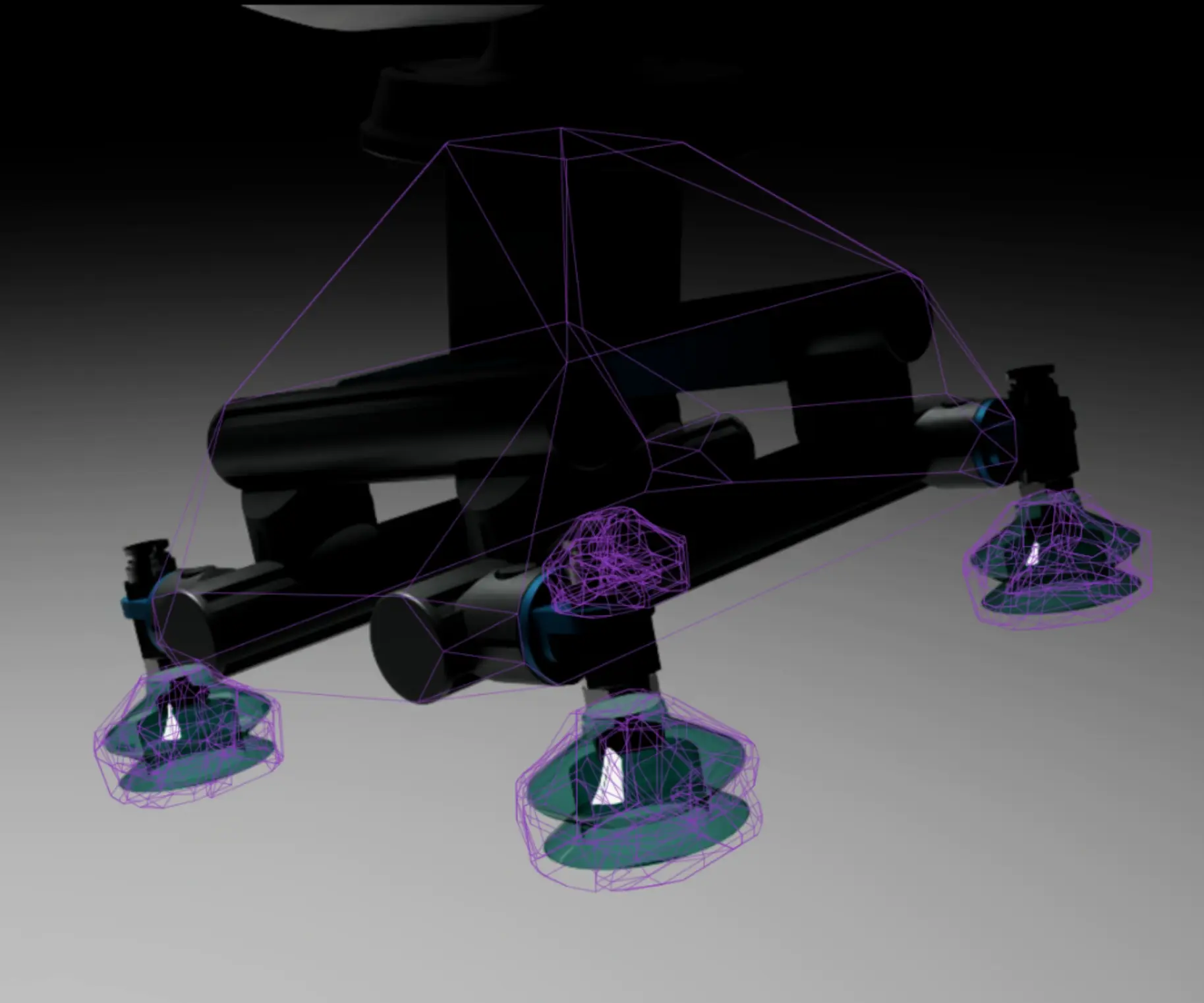
Collision world
Collision world is a feature which includes the option to export colliders created in IsaacSim to Wandelbots NOVA and to visualize any collision setup from NOVA in Isaac Sim.
The scene shows a robot with colliders for tool and some boxes.
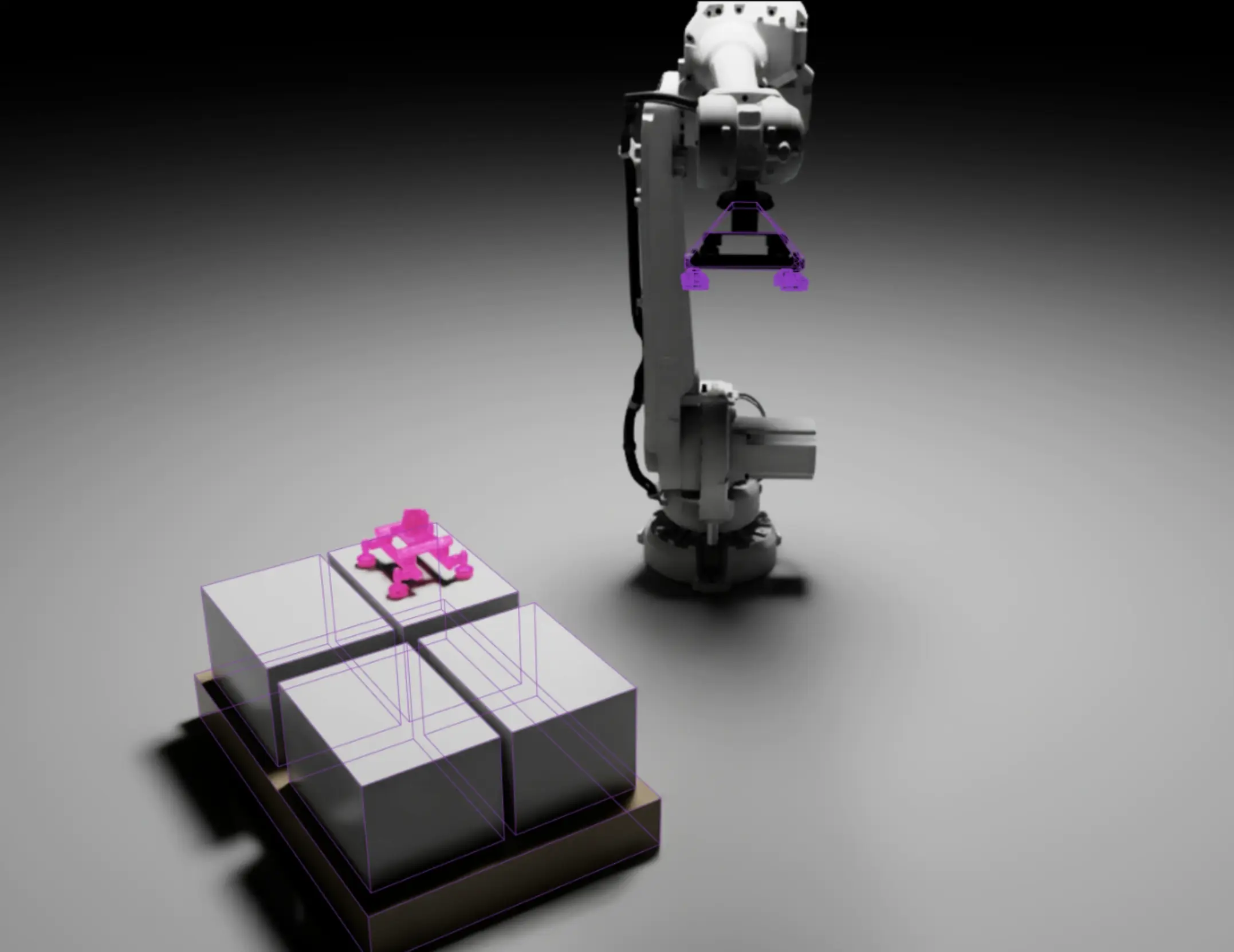
The motion group is excluded since it’s close to the collision mesh provided and used by Wandelbots NOVA.
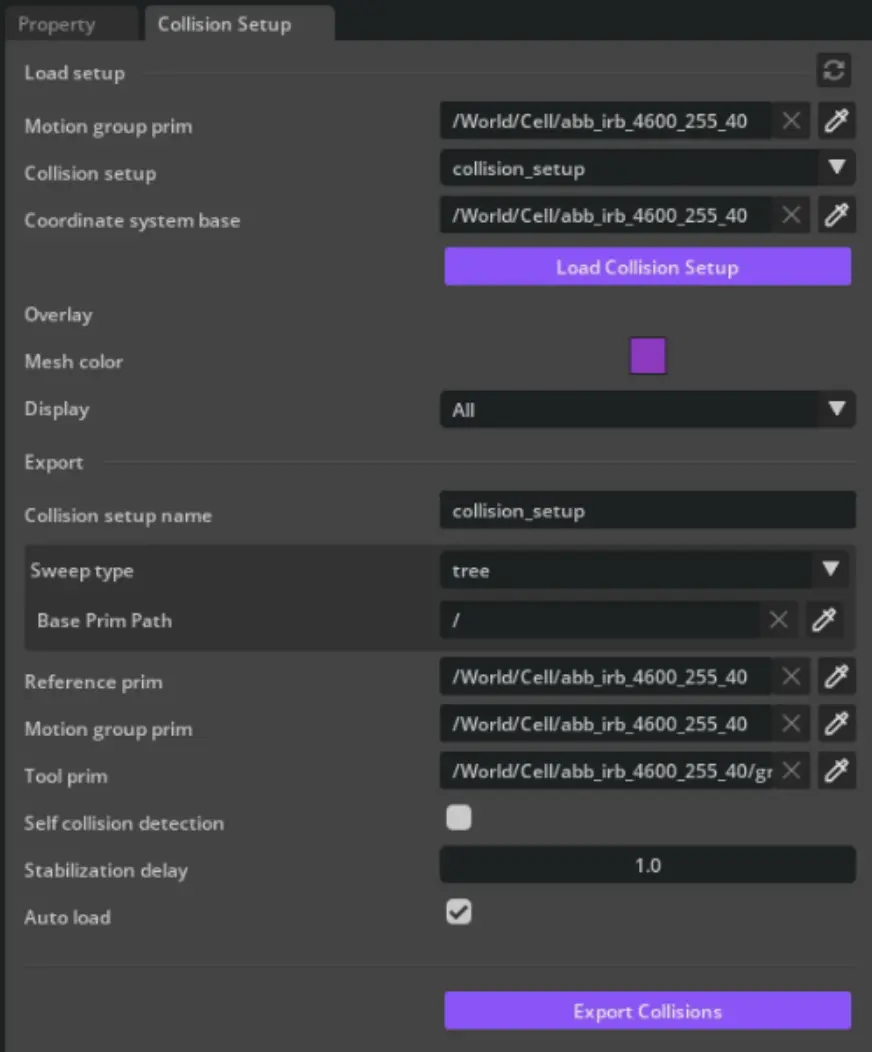
Load overlay
The first section allows to load any collision setups stored in Wandelbots NOVA and visualize it in Isaac Sim.
| Field | Description |
|---|---|
| Motion group prim | Select the motion group prim which is connected to NOVA. |
| Collision setup | Select a setup stored in NOVA (based on your motion group prim) |
| Coordinate system base | Just like reference prim it defines the base coordinate system for the colliders. |
Clicking Load will render the collision setup into the overlay.
Change properties of a setup
Change the properties of a loaded collision setup within the Overlay section.
Display just works as the display option for physx colliders in IsaacSim.
Export
You can export colliders from Isaac Sim to Wandelbots NOVA in the export section of the collision setup window.
| Field | Description |
|---|---|
| Collision setup name | Choose a collision setup name which can later be used as reference in programs. |
| Sweep type | Select a sweep to find all colliders which should be exported to NOVA. Most of the time tree sweep is the fastest option to export everything below your root cell prim. It is also possible to perform a sweep with a sphere shape to include all colliders which reach into the cell but are not parented by the cell. |
| Reference prim | Select the reference prim which defines the base coordinate system for the colliders. |
| Motion group prim | Select the motion group prim which is connected to NOVA. |
| Tool prim | Select the tool prim which is attached to the motion group flange. |
| Self collision enabled | Enable or disable self collision checks for the motion group colliders. |
| Stabilization delay | Define a delay in seconds to wait until all physics objects are settled before exporting the colliders. |
| Auto load | Automatically load the collision setup after export. |
Clicking Export Collisions will display how many colliders were found and are being exported to NOVA.
Tool export
The export section offers the possibility to export tool colliders separately.
Tool colliders are treated differently in Wandelbots NOVA and are connected to the tool attached to the motion group flange. To ensure that colliders always match the flange position plus offset on each step of a trajectory, export the tool colliders separately.